How-To
-

How to Create a Printer Shortcut in Windows 11
You may learn how to build a printer shortcut in Windows 11 by reading this article. We’ll teach you another…
Read More » -

How to Fix Errors Seen During the Computer Startup Process
Given the millions of conceivable error messages a computer user could encounter simply from the time you switch the power…
Read More » -

How to Upgrade to macOS Ventura
How to upgrade to macOS Ventura is covered in this post, along with information on how to download and set…
Read More » -

How to Run Windows 11 on a Mac
This article describes how to use Parallels Desktop, which can install Windows on both Apple Silicon and Intel Macs, to…
Read More » -
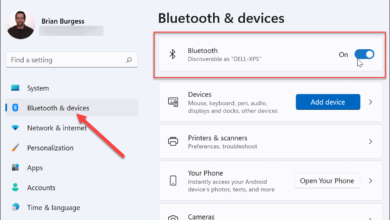
How to Turn On Bluetooth in Windows 11
The straightforward procedures for activating Bluetooth in Windows 11 and establishing a wireless connection with other Bluetooth devices are described…
Read More » -
How to Turn On Dark Mode in Windows 11
Learn how to use Windows 11’s dark mode in this article. Windows 11 also provides contrast themes and Night Light,…
Read More » -

How to Get Android Apps in Windows 11
All of your options for installing Android apps on Windows 11 are covered in this post. Three options are included,…
Read More » -

How to Find Your IP Address in Windows
How to obtain your IP address in each Windows version is covered in this post. There are two main ways…
Read More » -
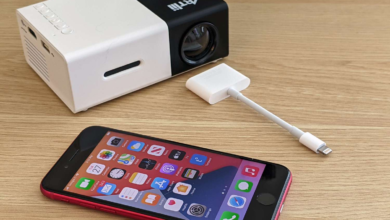
How to Connect an iPhone to a Projector
Although there are several presenting apps available, including PowerPoint and Keynote, nobody wants to crowd around your phone to squint…
Read More » -
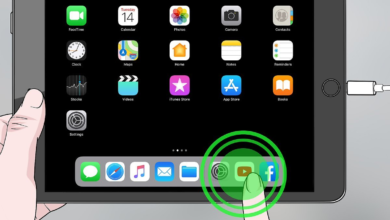
How to Connect an iPad to a TV
Using an iPad to cut the cord and stop paying for cable is a terrific idea, but what about watching…
Read More »